


EooCoo Digital Visual Timer 60-Minute Countdown (3-in-1) for Kids & Adults, Handy Time Management Tool, Classroom Essential, Ideal Back-to-School Teacher Gift – Fits Homeschool, Kitchen, ADHD Users
Original price was: $19.99.$14.90Current price is: $14.90.


From the brand


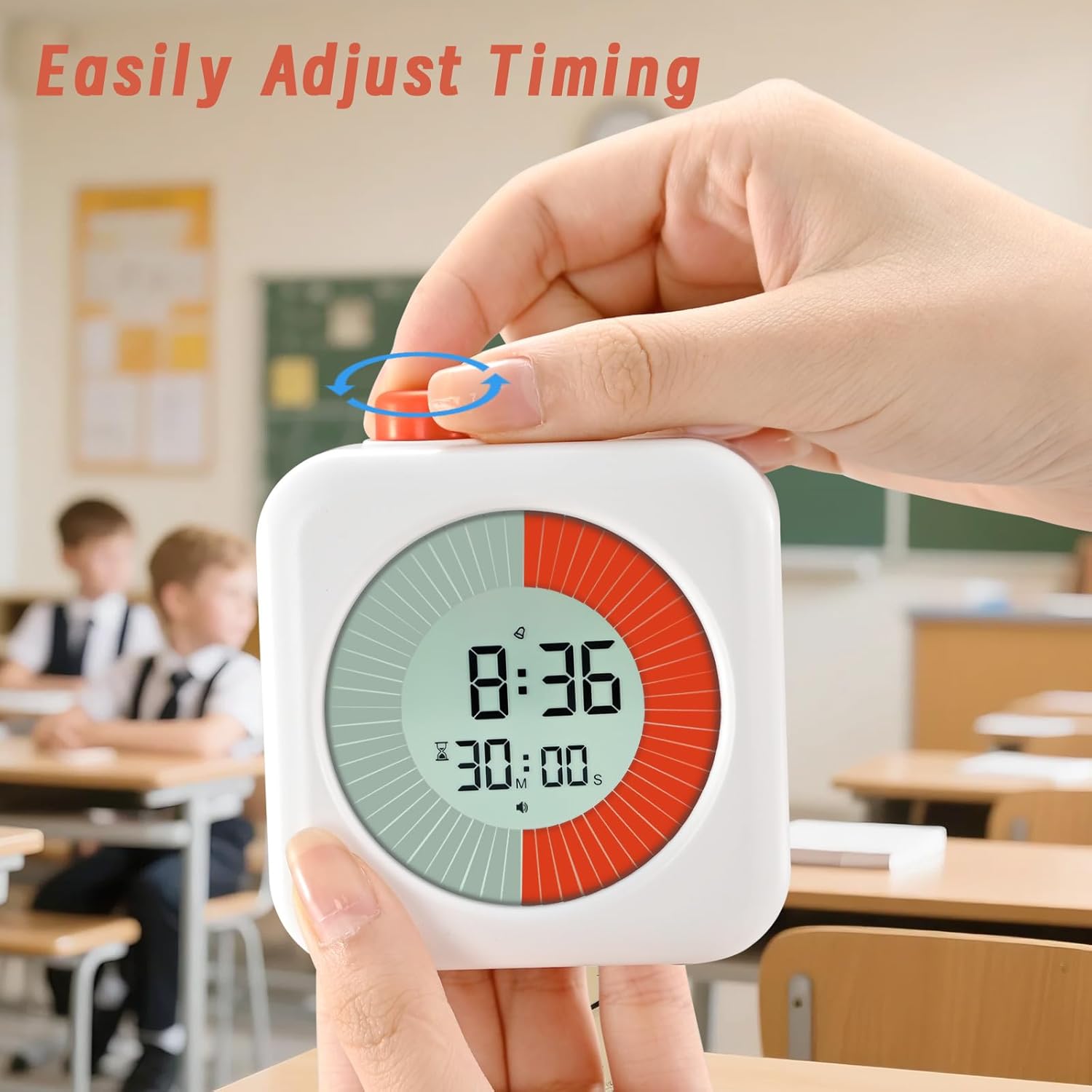
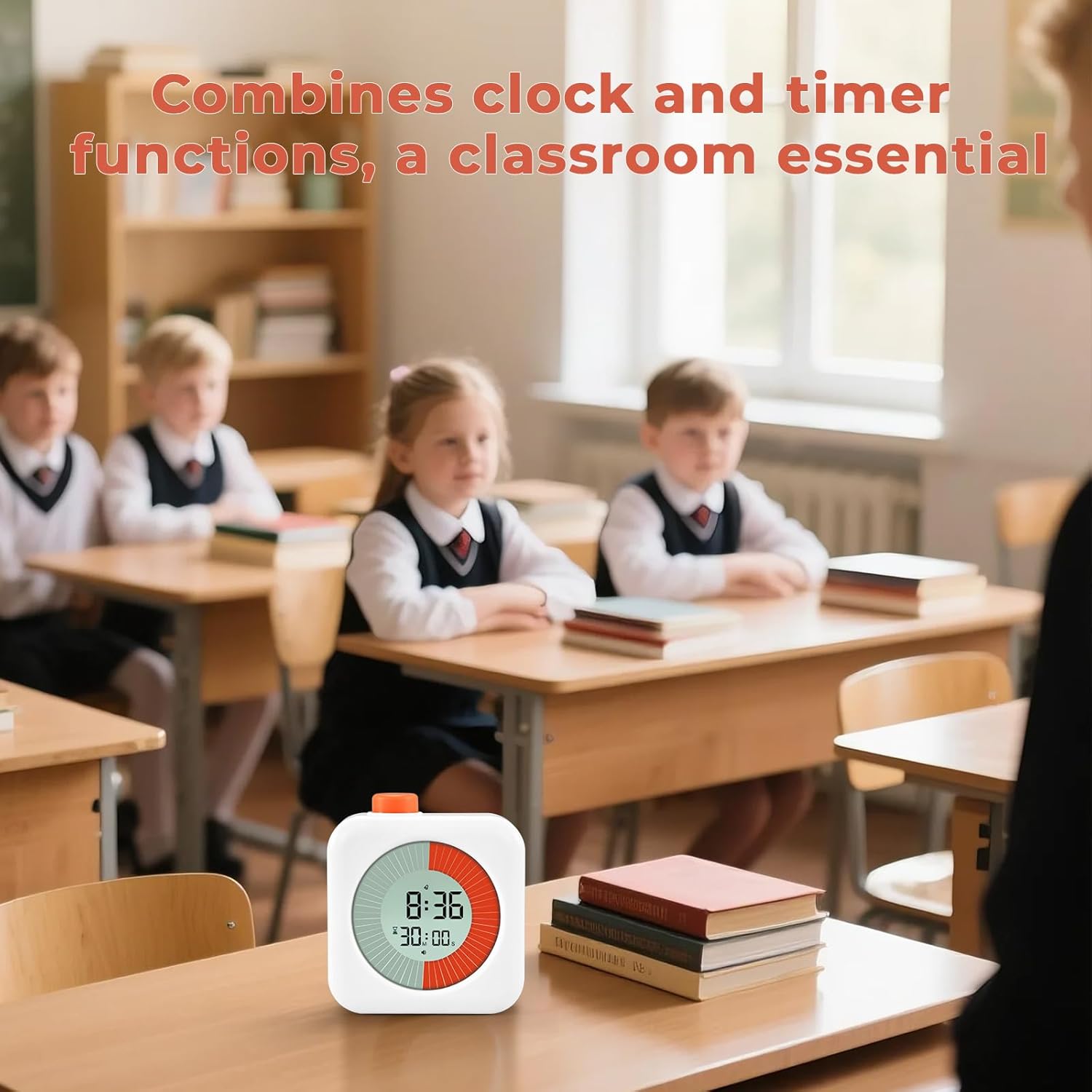
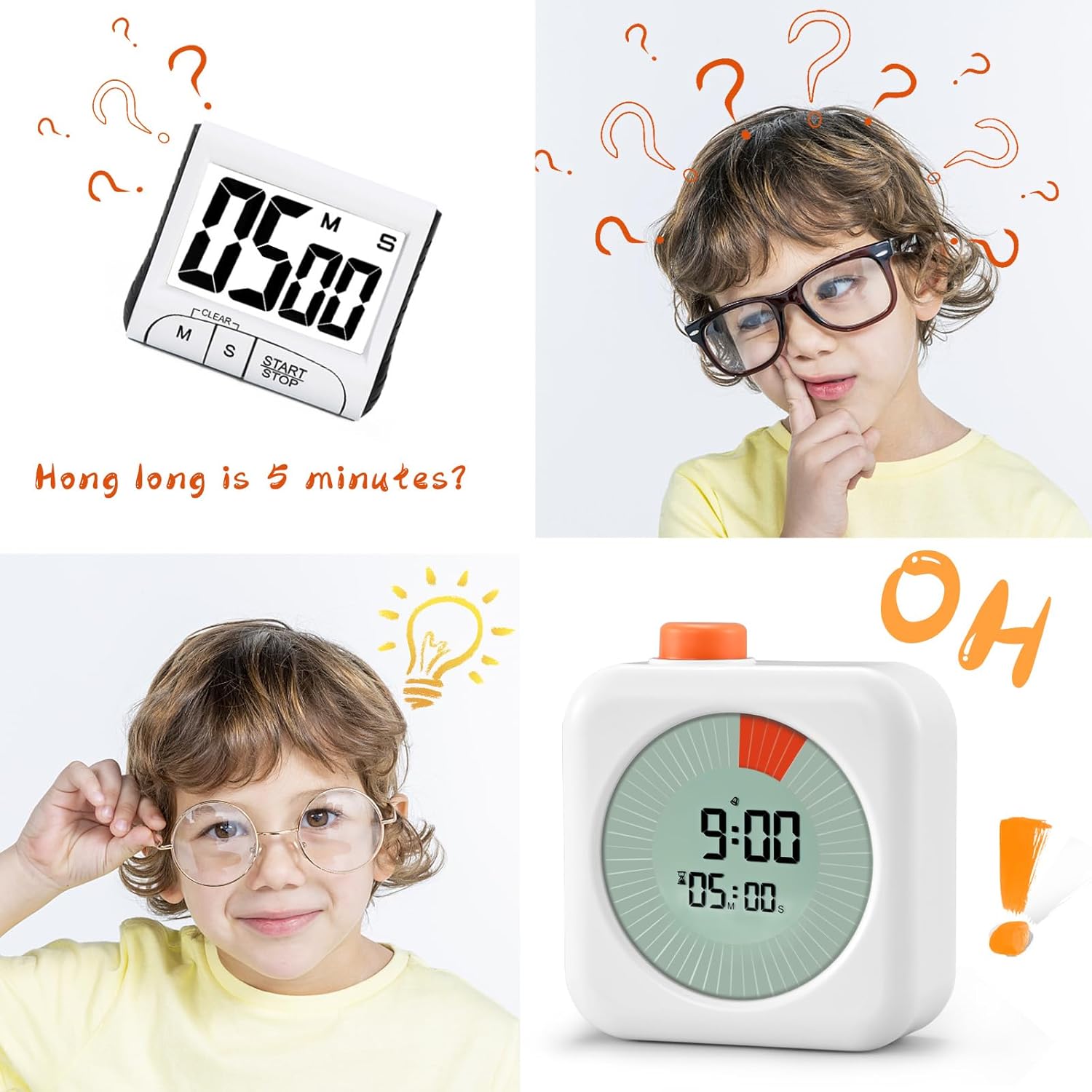
Timer, clock, and alarm 3 in 1: as a regular clock, there are two display modes of 12/24 hours, which can be switched. As a timer, including a countdown timer and a counting-up timer, the orange circle countdown achieves a good visual effect. Desktop design, place the timer on the desktop and view it from a non-flat angle for better visual effects. The classroom must have timer comes in two colors, white and pink, with a portable size of 3.15* 3.15 inches
Visual digital timer with LCD screen: strong readability, simple working principle, rotating the knob can increase or decrease the time, with an increment of 1 minute and a maximum of 60 minutes. Countdown to time, the orange ring decreases by one piece per minute. Press the knob to start or stop, and when paused, hold down the knob to reset the timer to 00:00
Quiet and undisturbed back-to-school supplies—ideal as back to school teacher gifts and teacher desk must haves: free from the noise of a mechanical clock, it spares you the hassle of ticking sounds, staying completely silent during countdowns. A prompt sound only rings when time’s up, making it perfect for maintaining focus in classrooms or offices. It helps you manage your time better and handle work tasks more easily
This silent timer, a core part of teacher essentials, ensures undisturbed moments for both educators and students: no mechanical ticking to disrupt lessons or study sessions, with silence preserved throughout the countdown. The end-of-timer alert is clear yet unobtrusive, making it a standout in autism classroom must haves. It streamlines time management, letting you tackle work tasks more easily while keeping learning and teaching environments calm
Easy to use: easy to install and use, equipped with instructions. Two AAA batteries. If you have any questions about our products, please contact us without hesitation


Dayeon Yoo –
Great Focus Timer for Pomodoro Sessions
This 60-minute timer has been a game changer for my productivity. I use it for Pomodoro sessions, and it really helps me stay focused on one task without getting distracted. The countdown display is clear and easy to see, and I like the visual dial that shows how much time is left at a glance.It’s simple to use—just set the time and start working. The design is compact and clean, so it looks nice on my desk too. Ever since I started using it, I’ve been able to structure my work better and take proper breaks. Highly recommend if you want to improve focus and time management!
Andrea Persun –
Easy timer
Great timer. Easy to use. Also you can turn sounds off. Love it.
Matthew B. –
LOOK HERE FOR BETTER INSTRUCTIONS
This is a handy little timer I bought because I’m trying to wean myself off of using my smartphone for everything (timer, stopwatch, alarm clock, etc). When my wife saw it, she thought it would also be a great tool for timing homeschool projects for our son.The biggest problem is that the instructions are incredibly hard to understand. They were obviously written by someone who doesn’t speak English as a first language. So, I’ve taken it upon myself to write the instructions so all of us can use this thing as intended. Enjoy!There are only two things to press: the white button on the back, and the orange knob on the top.- Both buttons can receive a short press or a long press (about 3 seconds).- The orange knob can be either pressed or turned, depending on what is being set.Setting the time:- Long-press the white button for at least three seconds. The hours will begin to flash. Rotate the orange knob to set the current hour.- Short-press the white button again. The minutes will begin to flash. Rotate the orange knob to set the current minute.- Short-press the white button again to enter 12/24 hour set mode. Turn the orange knob to set to either 12 or 24 hour mode.- Short-press the white button again to return to normal time.Setting the alarm:- Short-press the white button. “AL” will appear above the time, which indicates that you are in alarm-setting mode. (Note: “AL” does NOT mean the alarm is on. It only means you are now able to set the alarm).- Long-press the white button. The hours will begin to flash. Rotate the orange knob to set the alarm hour.- Short-press the white button. The minutes will begin to flash. Rotate the orange knob to set the alarm minute.- Short-press the white button again to enter alarm on/off mode. Rotate the orange knob to set the alarm on or off.- Short-press the white button again. This returns you to the alarm setting state. Note that “AL” is still displayed. If you need to reset the alarm time from here, long-press the white button to start the whole cycle over again.- Otherwise, if “AL“ is still displayed, and you wish to return to regular time display mode, you have two options: either short press the white button again, or just let the unit sit for 15 seconds and it will return to regular time display mode on its own.Stopping the alarm:- When your alarm goes off, press the orange knob to snooze for five minutes. The timer allows for three total snooze sequences of five minutes each.- To turn off the alarm without snoozing, short press the white button.- Note: you can turn off the alarm with a short-press of the white button—whether or not you are currently snoozing.Setting the timer to count up (i.e. stopwatch):- First make sure the lower display reads 00:00. If it does not, spin the orange knob in either direction until it says 00:00.- To start counting up, short-press the orange button. The timer will begin counting up, starting with one flashing orange bar. The display will show one orange bar per minute, with the current minute flashing and previous minutes as solid orange.- To pause counting up, short-press the orange button. To resume counting up, short-press the orange button again. You may pause and resume counting up as often as you’d like.- If you wish to return to 00:00, first pause the timer with a short-press of the orange knob. Then spin the orange knob counterclockwise until you reach zero.NOTE: There is one instruction in the timer mode that is clearly incorrect. The instructions say you can press and hold the orange knob for three seconds during counting up to “quickly clear digits” (I assume this means return to 00:00). I have not been able to make this work in any way. In my experience, a long-press of the orange knob does only one thing: shifts between audible mode and silent mode. It has no other function. But you can return to zero by pausing the timer and then spinning the knob until you reach zero.Setting the timer to count down (i.e. kitchen timer):- First spin the orange knob to reach the desired time. Spin clockwise to go from zero and up. Spin counterclockwise to go from 60 minutes and down.- At this point, the hourglass icon will appear to the left of the lower display.- Short-press the orange knob to start counting down. You may pause and restart the countdown at any time with a short-press of the orange knob.- To reset the countdown time, first press the orange knob to pause the timer. Then spin the orange knob in either direction to reach the desired countdown time.To count down silently versus with the beeper:- Long-press the orange knob for at least three seconds to shift between audible mode or silent mode. Audible mode is a darkened speaker. Silent mode shows a line through the speaker.
Clau –
Timing is everything for brilliant minds (Autism Awareness)
I’m a RBT (RegisteredBehaviorTechnician) and recently purchased this timer. You can see the time and set the time for a specific activity. It’s helped me regulate my students’ behavior. It’s functional, affordable, and easy to handle. I wish it had also come with a kind of Velcro to stick it to the wall. As a plus, it comes with batteries. Gentlemen, few products we buy these days come without batteries.
Sierra Jennette –
easy to use
We bought this to help our kiddos with their bath time process. So far it is working well and the kiddos are finishing in half the time!
Brettani S. –
Exited expectations
This timer is awesome! So easy to use so many different ways of using it. Clock, alarm clock, countdown and count up visual timer. And what a great price! It is smaller than I was expecting, but I actually like that because it’s for use in our homeschooling space. If I was a classroom teacher, I would want it to be larger.
David M –
Perfect for my son and his ADHD
Why did you pick this product vs others?:I was looking for a visual timer that also has an alarm. Sand timers are fun but it’s easy to stop paying attention when they’re done. Also, he can see how many minutes or seconds he has left and can count the minute marks. It works especially well getting ready for bedtime.
J –
Easy to use and keeps the kids on track
This timer is easy to use and keeps the kids on track through the day
Heather Brown –
Nice quality. Works well. Display is very nice. Helps keep me on task. Can hear beep from another room. Can time down or up.
Alma –
Muy útil, de buen tamaño, me encantó
Keran –
Neat timer. Easy to use and does the job.
Alain ACQ –
Cumple muy bien las funciones de cronometro y temporizador, suena fuerte y es fácil de ajustar. Tiene en la base unas gomitas para que no resbale. Lo único por lo que no le doy 5 es porque en las instrucciones e incluso en la descripción de Amazon dice de que si dejas presionado 3 segundos el botón naranja, se resetea el temporizador/cronómetro a 00:00 pero no es cierto, mas bien lo que sucede es que se pasa a modo silencioso o regresa a tener sonido, entonces lo que hay que hacer para volver a 00:00 es siempre girar el botón naranja. Fuera de eso funciona de lujo.
Asha Leman –
Seems to be of good quality